Expand Short URL Safely: Reveal the Real Destination Link Without Risk
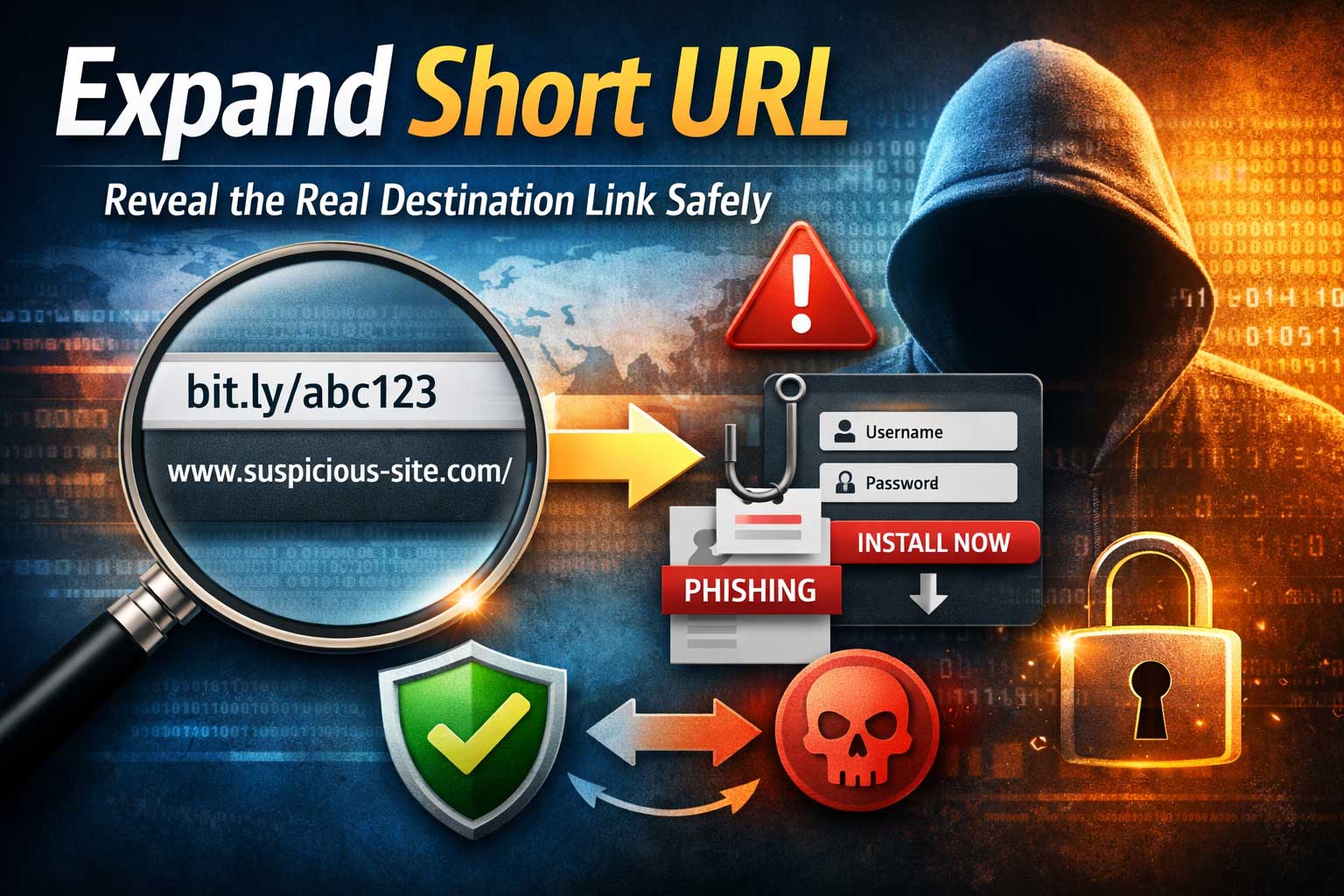
Short links are everywhere: in social posts, texts, QR codes, ads, and even official announcements. They’re convenient, clean, and easy to share. But they also hide the one detail that matters most for safety: where the link actually goes.
When you click a shortened link, you’re trusting that it will redirect you to a legitimate destination. Sometimes that trust is warranted—many brands use short links for tracking campaigns, simplifying long addresses, or making printed materials scannable. Other times, a short link is the perfect disguise for phishing, malware, fake login pages, or shady tracking.
This guide teaches you how to expand a short URL—meaning, reveal the true destination—while minimizing risk. You’ll learn how short links work, why they can be dangerous, and how to validate the expanded destination before you open anything or share it with others. You’ll also get advanced checks for tricky redirect chains, device-based redirects, and privacy concerns.
What “Expand Short URL” Actually Means
To “expand” a short URL is to uncover the full, final destination that the shortened link eventually loads. In many cases, a short link doesn’t go straight to the final page. Instead, it may bounce through multiple redirects:
- Short link service → tracking page → intermediate redirect → final destination page
Expanding helps you answer these questions before you click:
- What website (domain) will I end up on?
- Is it a login page, download page, form, or something else?
- Does it go to a reputable brand domain or a lookalike?
- Is it trying to push you into an app install, a file download, or a “verification” step?
- Is it adding tracking parameters that could compromise privacy?
Expanding is about visibility and control. You can’t make safe decisions about a hidden destination.
Why Short Links Exist (And Why Legitimate Ones Still Need Checking)
Not every short link is suspicious. Many are used for valid reasons:
Common legitimate uses
- Character limits in posts or messages
- Clean marketing campaigns (short, readable links on posters and videos)
- Analytics to measure clicks, regions, devices, and conversions
- A/B testing where different users see different pages
- Link management (updating the destination without changing the shared link)
Why you should still expand them
Even legitimate short links can be risky because:
- Short links can be hijacked (accounts compromised, destination changed)
- A previously safe destination can become unsafe later
- Redirect chains can include unexpected intermediaries (trackers, ad networks)
- Your device or location might receive a different destination than someone else
- The shortener’s preview may not reflect the final landing page in every case
The goal isn’t to fear all short links. It’s to build a habit of verifying before trusting.
How Short Links Work Under the Hood
Understanding the mechanics helps you expand safely and recognize warning signs.
The core idea: redirects
A short link typically triggers a redirect response from a server. Your browser requests the short link, and the server responds with “go here instead.”
There are different redirect types, but the key concept is the same: your browser is instructed to load another location.
Redirect chains
A short link often doesn’t redirect only once. It may chain through several steps:
- Shortener receives the click
- Tracking logs device and campaign data
- Router chooses destination based on region/device
- Final page loads
Each step is an opportunity for:
- tracking,
- manipulation,
- or malicious substitution.
Why expansion can be tricky
Some short links decide where to send you based on:
- your country or region
- whether you’re on mobile or desktop
- whether you’re logged in somewhere
- your browser type
- time of day
- whether the click came from a specific app
That’s why the “expanded destination” can differ depending on how you check it.
The Real Risks: What Short Links Can Hide
Short links are attractive to attackers because the victim cannot easily see the destination.
1) Phishing and fake logins
A short link may redirect to a page that looks like a well-known service login. The page may:
- ask for your password,
- request a one-time code,
- or trigger “account verification.”
2) Lookalike domains and deceptive branding
Attackers often register domains that resemble real brands through:
- misspellings,
- extra words,
- unusual endings,
- or characters that look similar.
A short link makes it easier to hide those tricks.
3) Forced downloads or “update” prompts
Some destinations push:
- fake updates,
- suspicious browser extensions,
- or files disguised as documents.
4) Drive-by threats and malicious scripts
Sometimes the danger is not what you type, but what loads:
- scripts trying to fingerprint you,
- exploit attempts in outdated browsers,
- or aggressive popups designed to trick you.
5) Privacy and tracking
Even if the destination is safe, a short link can be a tracking machine:
- logging IP-based location,
- collecting device identifiers,
- attaching unique parameters,
- setting tracking cookies through intermediate pages.
6) Scam funnels
Short links are common in:
- giveaway scams,
- “limited time” deals,
- fake shipping notices,
- and urgent “security alerts.”
The Safety Mindset: Your Rules Before You Expand or Open
Before using any method, adopt these rules:
- Assume unknown links are untrusted until proven otherwise.
- Don’t sign in or enter codes on a page reached through a short link unless verified.
- Don’t download files from an expanded destination you haven’t validated.
- Prefer viewing the destination first rather than jumping directly into action.
- Use layered checks: expand → verify → open carefully.
This mindset prevents rushed decisions, which is what scams depend on.
Method 1: Use a Trusted Preview Feature (When Available)
Some reputable short link services offer a preview mode that shows the destination without immediately sending you there.
How preview modes typically work
- The service displays an intermediate page showing the destination domain and path.
- You can choose to proceed or cancel.
- Sometimes it also shows a safety warning or reports.
Benefits
- Fast and simple
- Shows the destination without immediately loading the final page
- Can reduce accidental clicks
Limitations
- Preview pages can be disabled or bypassed
- The preview might not reveal device-based routing
- A link can still redirect differently after you click “continue”
- Not all short links support it
Best use: As a first glance, not as your only verification method.
Method 2: Expand Using a Redirect-Only Lookup
A safer approach is to expand the short link without fully loading the final destination content. The idea is to retrieve only redirect information.
What you want to see
- The destination domain(s)
- The number of redirect hops
- Any suspicious intermediary pages
- Whether the final destination appears stable and legitimate
Why this is safer
It reduces exposure to:
- malicious scripts,
- aggressive popups,
- and drive-by behavior.
What to watch for in results
- Multiple redirects through unrelated domains
- A final destination that looks like a login or verification page
- Download-focused endings (files, installers, archives)
- Unexpected keywords in the destination path (for example: “verify,” “secure,” “billing,” “support”)
If you can expand without loading the content, you get the information you need while minimizing risk.
Method 3: Inspect Redirects Using Your Browser Carefully
Sometimes you don’t have access to a specialized expander, or you want to confirm behavior with your own browser.
A safer browser-based approach
Instead of clicking normally:
- Use an isolated browser profile (a separate user profile with no saved logins).
- Disable auto sign-in and avoid password autofill.
- Block popups and consider disabling scripts temporarily.
- Open in a controlled way so you can observe the redirect behavior.
What you’re trying to learn
- What destination loads
- Whether you’re being bounced through trackers
- Whether the page attempts to push downloads or permissions
Warning
Even careful browser inspection still involves loading something. If you suspect the link is high-risk, use a sandboxed environment (see Method 6) instead.
Method 4: Expand Short Links on Mobile Without Getting Tricked
Mobile links are a special case because attackers rely on:
- smaller screens (harder to see domain details),
- app deep links,
- and permission prompts.
Mobile-specific traps
- “Open in app” prompts that send you somewhere different than the web destination
- Fake system dialogs mimicking security warnings
- Auto-redirect into app store pages or subscription flows
Safer mobile practices
- Long-press to preview (where your system supports showing the destination)
- Copy the link into a safe expander rather than tapping it
- Disable automatic app opening for unknown links when possible
- Don’t approve permissions or install profiles based on a redirected page
Extra caution with QR codes
QR codes often resolve to shortened links. Treat QR scans like any other unknown short URL:
- expand first,
- verify second,
- open carefully last.
Method 5: Validate the Expanded Destination With a Practical Checklist
Once you’ve expanded the short link, your job is to evaluate whether the destination is trustworthy.
Step 1: Check the domain (the most important step)
Ask:
- Does this domain exactly match the brand or organization it claims to be?
- Does it include extra words that feel like marketing bait or urgency?
- Is it using a confusing or unusual ending for a well-known service?
- Does it look like a misspelling or an imitation?
Rule of thumb: If you must squint to believe it, don’t trust it.
Step 2: Check the page type (what is it trying to make you do?)
Destinations are more risky when they are:
- login pages,
- payment pages,
- file download pages,
- “verification” steps,
- or pages asking for codes.
A harmless destination is usually:
- a straightforward article,
- an official announcement page,
- or a known product page.
Step 3: Look for pressure tactics
Be suspicious of pages that use:
- urgency (“act now”),
- threats (“account will be closed”),
- or rewards (“you won”).
Step 4: Watch for suspicious parameters
Some destinations attach long strings of tracking data. Tracking alone isn’t always malicious, but it can be a red flag when combined with other signals—especially if the destination looks like a credential capture page.
Step 5: Consider context
A short link from:
- a trusted friend with a clear explanation is safer than
- a random message with no context.
If the message is vague, emotional, or urgent, treat it as higher risk.
Method 6: Open the Destination Safely If You Still Need To
Sometimes you’ll decide the destination seems legitimate and you want to open it. Do it in a way that protects you even if you’re wrong.
Safer ways to open
- Use a separate browser profile with no saved passwords
- Use private browsing to reduce stored data and session leakage
- Avoid logging in immediately—browse first
- If it’s a brand login, navigate to the brand manually using your own trusted method (like a bookmark or typing the known brand name into search) rather than continuing from the redirected page
Avoid these high-risk actions on first visit
- entering passwords
- entering one-time codes
- downloading files
- enabling browser notifications
- granting permissions (camera, mic, location)
The password manager advantage
If you use a password manager, it can help:
- it typically fills credentials only on exact matching domains,
- which makes lookalike domains easier to detect.
If your password manager doesn’t recognize the site, that’s a strong warning sign.
Advanced: How to Spot Tricky Redirect Chains
Some short links behave nicely when expanded but redirect differently when opened. Here are the most common patterns.
1) Device-based redirects
- Desktop users go to a normal page
- Mobile users are pushed into app installs or subscription pages
What to do: If possible, test expansion on the device type you intend to use, or at least be cautious when switching.
2) Geo-based routing
The destination changes depending on your region.
What to do: Treat it as higher risk if the destination is inconsistent or unknown.
3) Time-based switches
Scammers may run safe destinations briefly and then switch to malicious ones later.
What to do: Expand again if the message is old or the context feels off.
4) One-time or expiring links
Some links are valid only once, or they expire after a short time.
What to do: If a link claims it is “one-time,” do not trust it by default—verify through an official channel if it involves accounts or payments.
How to Recognize a “High-Risk” Expanded Destination Immediately
Even without being a security expert, certain destination types deserve extra caution.
High-risk destination signs
- It asks you to sign in immediately
- It requests a code or “verification” step
- It asks you to enable notifications
- It offers a prize, refund, or gift unexpectedly
- It threatens consequences if you don’t act fast
- It pushes a file download, extension install, or “security update”
What to do if you see these signs
- Stop and do not proceed.
- Verify independently through trusted channels (official apps, known bookmarks, official contact methods).
- If it claims to be from a service you use, open that service in your own way rather than through the short link.
Privacy: What Expanding and Clicking Can Reveal About You
Many people focus only on malware, but privacy is also a key reason to expand.
What a short link can collect
- approximate location based on IP
- device type and operating system
- browser and language settings
- referral source (where you clicked from)
- timing patterns and unique identifiers
Why expansion helps privacy decisions
When you expand, you can sometimes see:
- whether it routes through analytics-heavy intermediaries
- whether it adds unique IDs in parameters
- whether it looks like a marketing tracker
Privacy-friendly habits
- Avoid clicking short links that don’t provide a clear reason or context
- Prefer direct official pages when possible
- Be cautious with links that look personalized or uniquely coded
Safe Sharing: Don’t Pass Risk to Other People
If you receive a short link and need to share it, expanding first is a responsible step.
Why it matters
When you forward a short link:
- you’re forwarding uncertainty,
- and potentially exposing others to a hidden destination you didn’t verify.
Better sharing practice
- Expand the destination
- Verify it
- Share the clear destination (when appropriate), or at least explain what it is and where it goes
This improves trust and reduces the chance of accidental harm.
Best Practices for Website Owners Using Short Links
If you run a website, brand, or campaign and you use short links, you can make life safer for users.
1) Use transparent preview options
If your short link system can show a preview page with:
- destination domain,
- a short description,
- and safety warnings,
users are more likely to trust your links.
2) Avoid suspicious-looking routing
Too many redirects, unrelated intermediate pages, or aggressive tracking can trigger distrust and spam filtering.
3) Protect your short link accounts
Short link platforms are attractive takeover targets because:
- one compromised account can redirect thousands of links.
Use:
- strong passwords,
- two-factor authentication,
- and access controls.
4) Monitor and rotate risky links
If a destination changes ownership or becomes unsafe, update or disable the short link.
5) Be consistent
If your brand uses a recognizable short link pattern and explains it publicly, users can verify more easily.
Best Practices for Developers Building a Short Link Expander
If you’re building an expander feature inside an app or service, you need to handle both usability and safety.
Core requirements
- Follow redirects safely with a strict hop limit
- Use timeouts to avoid hanging on slow destinations
- Capture and display the final destination domain clearly
- Show intermediate hops when they exist
- Avoid executing scripts or rendering content during expansion
Safety considerations
- Block risky schemes and unsupported destination formats
- Detect loops (redirecting back and forth)
- Flag suspicious patterns (excessive hops, unrelated domains, credential-style pages)
- Consider integrating reputation signals (blocklists, malware scanning, domain age heuristics)
- Cache results carefully and respect privacy
UX considerations
Users want:
- “Where will this take me?” answered in one glance
- clear warnings without panic
- a simple explanation of why something was flagged
Troubleshooting: Why an Expanded Link Might Not Match What You See When You Open It
If your expansion result differs from the actual page, it doesn’t necessarily mean something is wrong—but it does mean you should be more cautious.
Common causes
- device-based routing
- region-based routing
- being logged in (or not) to a related service
- campaign testing
- temporary redirects that change over time
- anti-bot measures that behave differently for automated expansion tools
What to do
- Treat inconsistent behavior as higher risk
- Verify via a trusted, official entry point if the link involves accounts, payments, or downloads
- Avoid entering credentials on a page reached through an uncertain chain
Frequently Asked Questions
Is expanding a short URL always safe?
Expanding is generally safer than clicking, especially when expansion retrieves redirect information without loading page content. However, any interaction with unknown links can have risks depending on the method used. The safest approach is expansion plus verification before opening.
Why do some short links expand to a different destination later?
Destinations can change because the short link owner updates routing, rotates campaigns, or gets compromised. In scams, attackers may intentionally switch destinations after a period of harmless behavior.
Can a short link look safe but still be dangerous?
Yes. A destination can look like a legitimate brand while being a lookalike domain, or it can lead to a compromised legitimate site. That’s why you should verify the domain and avoid entering credentials through redirected paths.
What if the expanded destination is a login page for a service I use?
Don’t log in directly from the redirected page. Instead, open the service through your own trusted method (bookmark, official app, or manual navigation) and confirm any alerts inside your account.
Are short links used in QR codes risky?
They can be. QR codes often hide shortened destinations. Treat QR scans as unknown links: expand the destination, verify the domain, and only then open.
Do all short links track me?
Not all, but many do. Tracking can include analytics about clicks, devices, and approximate location. If privacy matters, prefer direct official pages whenever possible.
How many redirects are “too many”?
There’s no perfect number, but multiple unrelated hops can be suspicious. A short link that bounces through several domains, especially ones that don’t match the sender’s context, deserves extra scrutiny.
A Practical “Expand and Verify” Routine You Can Use Every Time
Here’s a repeatable workflow that works for most people:
- Pause and assess the message context. Is it urgent, vague, or surprising?
- Expand the short link using a method that does not fully load content if possible.
- Review the final destination domain carefully for lookalikes.
- Scan the destination intent: article, product page, login, payment, download?
- If you must open it, use an isolated profile or private browsing, and do not enter credentials immediately.
- For sensitive actions, navigate independently to the official service rather than using the redirected page.
This routine takes seconds and prevents most common link-based scams.
Conclusion: Expanding Short URLs Is a Simple Habit That Prevents Big Problems
Short links are not automatically dangerous—but they are automatically opaque. And opacity is exactly what scams and tracking abuse rely on.
By expanding a short URL and verifying the destination before opening it, you reduce your exposure to phishing, malicious redirects, scam funnels, and privacy-invasive tracking. The key is not just the expansion itself, but the checks you do afterward: domain verification, intent recognition, and cautious opening behavior.
Make “expand, verify, then open” your default habit. It’s one of the easiest, most practical online safety skills you can build—especially in a world where links arrive faster than we can think.