Suspicious URL Patterns: 25 Red Flags to Spot Scam Links
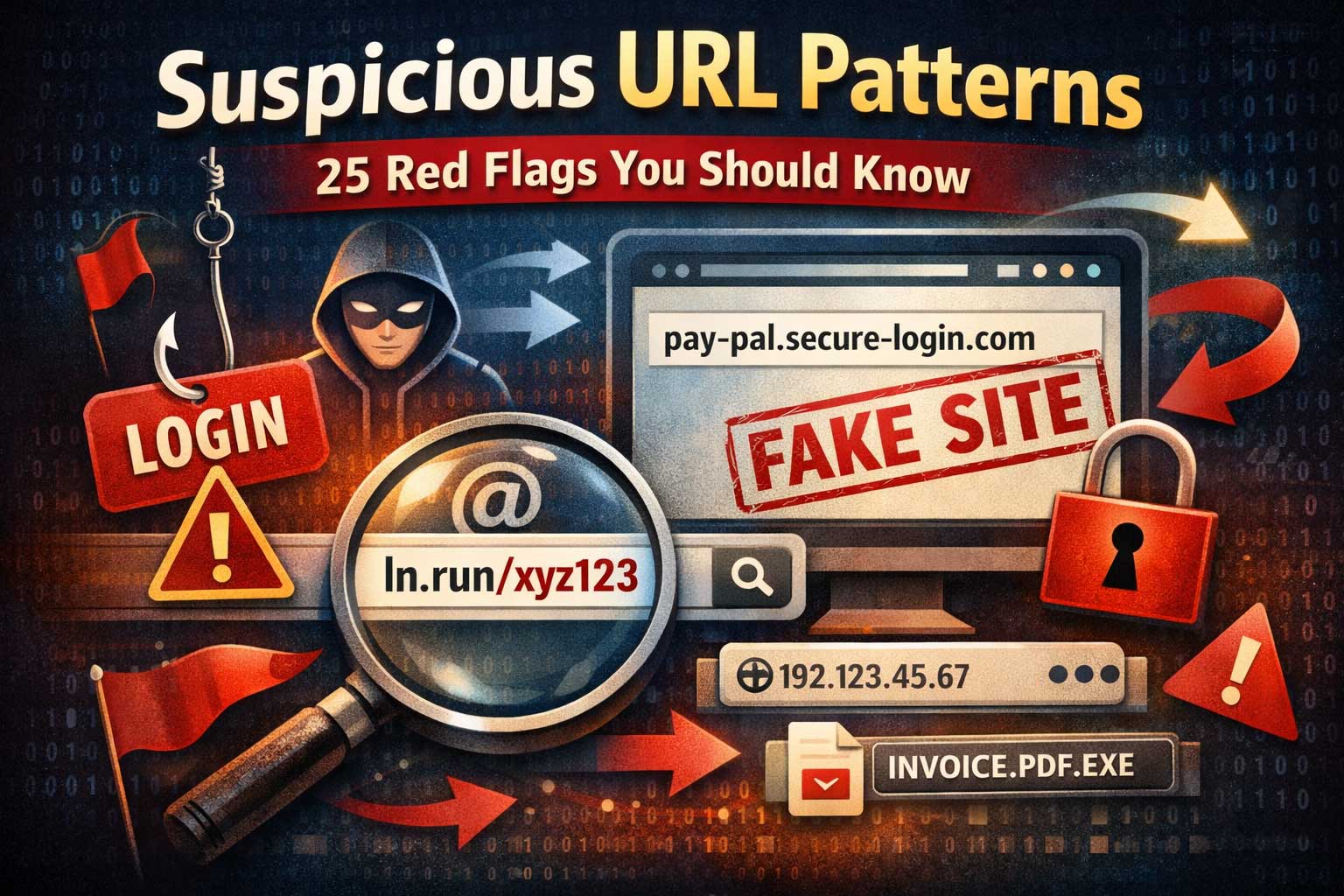
Suspicious links are everywhere—texts, emails, social media DMs, ads, comment sections, even QR codes. Most online scams succeed for one simple reason: the link looks believable at a quick glance. Attackers rely on speed, distraction, and familiarity. They don’t need you to understand how websites work; they just need you to click before you notice something “off.”
This article teaches you how to spot suspicious URL patterns (the structure of a web address) using 25 clear red flags. You’ll learn how scammers shape links to imitate real brands, hide the true destination, and push you into rushing. You’ll also learn safe, practical habits for checking a link without putting your account, device, or personal data at risk.
What “Suspicious URL Patterns” Really Means
A URL is the address your browser uses to locate a page. Attackers can’t magically change how URLs work, but they can exploit how humans read them. People tend to skim: we notice a brand name and ignore extra words, symbols, or weird subdomains. We also trust what looks official—security icons, familiar logos, and urgent messages.
Suspicious URL patterns are structural clues that a link may be:
- Phishing (trying to steal logins or payment details)
- A fake brand site (copying a real company’s design)
- A malware delivery page (trying to trick you into downloading something)
- A redirection trap (bouncing you through multiple pages to hide the final destination)
- A tracking or impersonation link (collecting data or mimicking internal tools)
Important note: One red flag doesn’t guarantee a scam, and a scam can still look clean. Your goal is not perfect certainty; it’s better judgment and fewer risky clicks.
Quick Anatomy of a URL (So the Red Flags Make Sense)
Even if you’re not technical, knowing the main parts helps you spot manipulation:
- Scheme: tells the browser how to connect (common ones include secure web connections).
- Host / domain: the core “name” of the site. This is the most important part to verify.
- Subdomain: a section before the main domain that can be used legitimately—or abused for deception.
- Path: what comes after the domain, like folders and page names.
- Query parameters: extra data often used for tracking, search filters, or redirects.
- Fragment: a pointer to a section within a page.
Most people focus on the first and last words they recognize. Scammers focus on the same weakness: they put the “trusty-looking” parts where your eyes go and bury the truth where you don’t look.
How to Use These 25 Red Flags
Think of these red flags like a “risk score.”
- 0–1 flags: usually low risk (but still be cautious).
- 2–4 flags: suspicious; verify carefully.
- 5+ flags: high risk; avoid clicking and find a safer way (like typing the official site yourself or using an app you already trust).
Now, let’s get into the 25 suspicious URL patterns you should know.
1) Misspellings That Mimic a Real Brand
One of the oldest tricks is a domain name that’s slightly misspelled: swapped letters, missing letters, doubled letters, or subtle rearrangements. Your brain “autocorrects” what it expects to see.
Why it works: You recognize the brand quickly and don’t notice the tiny change.
What to do: Slow down and read the domain letter-by-letter—especially when money, logins, or personal info are involved.
2) Look-Alike Characters (Homoglyphs)
Some characters look almost identical: uppercase “I” vs lowercase “l,” “0” vs “O,” or characters from other alphabets that resemble English letters. The domain can look real but be completely different.
Why it works: Your eyes see the shape, not the exact character.
What to do: Copy the domain into a plain text note and enlarge it, or rely on a password manager that recognizes the real domain and won’t autofill on fakes.
3) Extra Words That Sound Official
Attackers add “secure,” “verify,” “support,” “billing,” “login,” “update,” or “account” into the domain. The link sounds legitimate even when it’s not.
Why it works: The words match the situation they’re pushing (like “verify your account”).
What to do: Remember: official sites don’t need to prove they’re official with extra hype words in the domain.
4) Brand Name Appears, But It’s Not the Real Domain
A classic pattern is placing a real brand name somewhere in the link—often in the subdomain or path—while the actual domain is unrelated.
Why it works: People see the brand name and stop checking.
What to do: Identify the true domain (the main site name) and ignore everything else until you confirm it.
5) Too Many Subdomains
A long chain of subdomains can hide the real domain in the middle of a long string. Some scam links look like a paragraph before you even reach the real site name.
Why it works: Long strings create visual noise; you stop parsing carefully.
What to do: Focus on the final, core domain portion. If you can’t confidently identify it, don’t click.
6) Random, Meaningless Subdomain Strings
Subdomains like long random letters and numbers can be used for tracking, rotating campaigns, or quickly replacing blocked links.
Why it works: It looks “technical,” and people assume it’s normal.
What to do: Random subdomains don’t always mean danger, but combined with urgency and account prompts, it’s a strong warning.
7) Unusual or Cheap-Looking Top-Level Domains
Some campaigns favor less common top-level domains (the ending) because they’re easy to register in bulk. Unfamiliar endings are not automatically malicious, but they raise risk when paired with brand impersonation.
Why it works: Most people don’t check the ending at all.
What to do: Treat unfamiliar endings as a reason to verify more carefully—especially for banking, shopping, or account logins.
8) Hyphen Overload
A domain packed with hyphens often tries to imitate an official name that was already taken, or to cram in keywords like “brand-secure-verify-login.”
Why it works: It visually resembles “official language” in some contexts.
What to do: One hyphen can be normal; multiple hyphens plus urgency is a red flag.
9) Numbers in Strange Places
Random numbers or long number sequences in a domain are commonly used in scams—especially when pretending to be “case numbers,” “invoice IDs,” or “security codes.”
Why it works: Numbers create a feeling of legitimacy and specificity.
What to do: Be suspicious of domains that look like they were generated automatically.
10) Using an IP Address Instead of a Domain Name
Some malicious links point directly to an IP address rather than a normal domain. It’s less human-friendly and often used to bypass simple domain-based blocks.
Why it works: Many users don’t recognize what an IP address looks like.
What to do: Avoid entering credentials or downloading anything from an address that doesn’t have a clear, trusted domain.
11) Port Numbers That Don’t Fit the Situation
A port number appears as an extra “colon + number” after the domain. This can be legitimate for development tools, but it’s unusual for public brand logins.
Why it works: It looks technical, so users ignore it.
What to do: Treat it as suspicious if the page claims to be a major service login or payment page.
12) Strange or Excessive URL Encoding
Encoding can turn normal characters into long sequences. Attackers use it to hide keywords, disguise redirects, or bypass filters.
Why it works: It becomes unreadable, so people stop evaluating it.
What to do: If the link looks like a wall of symbols, verify through a safer method (like navigating manually to the official site).
13) Overly Long URLs With Noise
Some malicious links are extremely long to bury the dangerous part: the actual domain, a redirect parameter, or a disguised file name.
Why it works: People only look at the beginning.
What to do: Long doesn’t always mean bad, but long plus urgency or login prompts is risky.
14) “Redirect” and “Next” Parameters
A common scam pattern is a legitimate-looking page that immediately forwards you somewhere else using parameters like “redirect,” “next,” “continue,” or “return.”
Why it works: Even if the first page looks okay, the final destination may be malicious.
What to do: If a link is about logging in, avoid links that route through multiple steps. Go to the service directly.
15) Multiple Redirect Layers (Bounce Chains)
Attackers frequently chain several redirects to:
- hide the final site
- rotate destinations
- bypass blockers
- track you across platforms
Why it works: Each step looks temporary and confusing.
What to do: If you land on a page that instantly jumps again and again, close it. Don’t “wait and see.”
16) Path Names Designed to Trigger Trust
Scam links often include path words like “invoice,” “receipt,” “document,” “security,” “support,” “upgrade,” or “password.” These are meant to push emotional buttons.
Why it works: It matches a realistic task and lowers suspicion.
What to do: Treat trust-triggering words as marketing—verify the domain first.
17) Fake File Extensions in the Path
A link may include something that looks like a document name, like a PDF or invoice, but it’s just part of the path—sometimes followed by more path segments or parameters.
Why it works: People assume it’s a safe file preview.
What to do: Be cautious when a “document” link asks you to log in or enable permissions. Legit previews rarely demand credentials immediately.
18) Double Extensions (Disguised Downloads)
A filename pattern may look like “document dot something dot something.” This can hide the true file type or make a download appear harmless.
Why it works: Many people only read the first extension.
What to do: If you didn’t request a file, don’t download it. Use official channels to access documents.
19) Suspicious Use of “@” or Userinfo Tricks
Some URL formats can include userinfo sections that appear before the real domain. Attackers exploit this to place trusted words before the true destination.
Why it works: Your brain reads the trusted part and ignores what comes after.
What to do: If you see symbols that make the address look like a login string, slow down and locate the actual domain.
20) Excessive Tracking Parameters
Many legitimate sites use tracking parameters, but scam links often include a chaotic pile of them, sometimes with identifiers and encoded blobs.
Why it works: It overwhelms you and makes the link seem “system generated.”
What to do: Tracking clutter isn’t proof of danger, but it increases risk when the message is unexpected or urgent.
21) Too Many Separators and Special Characters
A suspicious URL often contains lots of dashes, underscores, dots, and mixed capitalization to mimic brand styles while evading detection.
Why it works: It looks “formatted” and intentional.
What to do: Simple is safer. Complex formatting + urgency is a warning.
22) Mismatched Country or Language Signals
A URL may include country or language indicators that don’t match the brand or your location, such as unexpected region codes or mixed-language segments.
Why it works: It seems like an international version of the real service.
What to do: If you didn’t choose a region or language, don’t trust a link that forces one unexpectedly.
23) Shortened or Obscured Links With No Context
Short links are not automatically malicious, but they hide the destination. If you get a short link in a random message—especially with pressure—it’s higher risk.
Why it works: You can’t judge the domain before clicking.
What to do: If you must open it, do so only after verifying through a trusted source (like an official app notification or a message you initiated).
24) The Domain Doesn’t Match the Brand’s Usual Pattern
Even if you don’t know the exact official domain, big brands tend to be consistent. A link that looks “off-brand” or oddly structured should trigger caution.
Why it works: Attackers count on you not remembering the official pattern.
What to do: Use the safest method: type the brand name into your browser yourself (or open the official app) rather than trusting the message link.
25) The Page Demands Immediate Action Based on Fear or Reward
This isn’t purely “URL structure,” but it’s the context that turns small URL weirdness into a huge red flag. Messages tied to threats (“account locked,” “payment failed”) or rewards (“you won,” “refund available”) are classic social engineering.
Why it works: Emotion reduces careful thinking.
What to do: Pause. Don’t click. Navigate independently to confirm.
High-Risk Situations Where URL Red Flags Matter Most
Certain situations deserve extra caution because the stakes are high:
Login Pages and Password Resets
Any login request should be treated as sensitive. Scammers love “session expired” tricks and fake password reset pages.
Safer habit: Never sign in from a surprise link. Go directly to the service via your usual method.
Payments, Refunds, and Shipping Notices
Payment scams often combine urgency with links that mimic known stores or couriers.
Safer habit: Check orders and shipping inside the official app or your account dashboard, not from message links.
Document Sharing and “View File” Messages
Attackers often send “document shared with you” bait to steal credentials.
Safer habit: If you weren’t expecting a file, verify with the sender through another channel before opening anything.
QR Codes
QR codes are just links you can’t see. They’re convenient and risky at the same time.
Safer habit: Use a scanner that previews the destination and apply the same domain checks before opening.
A Safe, Practical Link-Checking Routine (No Fancy Tools Needed)
When you’re unsure about a link, do this:
- Don’t click immediately. Take three seconds to inspect.
- Identify the real domain. Ignore extra words, subdomains, and path tricks until you confirm the core site name.
- Look for 2+ red flags. If you spot multiple, treat it as high risk.
- Avoid signing in from surprise links. Go directly to the service instead.
- Use a password manager if you can. It helps by refusing to autofill on look-alike sites.
- If the message is urgent, slow down more. Urgency is often the real attack.
Common Myths That Get People Tricked
“It has a lock icon, so it’s safe.”
A secure connection doesn’t mean a trustworthy site. Attackers can use secure connections too.
“It looks professional, so it must be real.”
Scam pages can copy design perfectly. The domain is harder to fake convincingly—so check it.
“I’m careful, I won’t fall for it.”
Everyone is vulnerable when distracted, tired, or rushed. Good habits beat confidence.
Quick Summary: The Most Powerful Red Flags to Remember
If you only memorize a few, make them these:
- Brand name in the link but not in the actual domain
- Misspellings or look-alike characters
- Too many subdomains or a very long, noisy address
- Redirect or “next” parameters
- Urgency + login or payment request
Final Thoughts
Suspicious URL patterns are a skill you can build quickly. You don’t need to be an expert—you just need to slow down and know what to look for. Scammers win when links are skimmed, not read. The moment you train yourself to identify the true domain, notice redirect tricks, and treat urgent messages as suspicious by default, you dramatically reduce your risk of phishing, account theft, and device compromise.
Use the 25 red flags as your personal checklist, and make “verify before you trust” your default habit online.